Рассматривая различные типы CMS-платформ, от популярных решений с открытым исходным кодом, таких как WordPress и Drupal, до специализированных систем для электронной коммерции, блогов и безголовых архитектур, это руководство дает представление о разнообразном ландшафте доступных CMS. Если на разворачивание сайта на CMS нет времени и сайт нужен уже сейчас — перейдите на https://softmg.ru.
Понимая сильные и слабые стороны, а также уникальные особенности каждой платформы, читатели смогут понять, какая CMS лучше всего соответствует целям и видению их проекта. Более того, рассматривая реальные примеры и лучшие практики, это руководство дает практические рекомендации по выбору CMS, которая не только отвечает текущим потребностям, но и обеспечивает масштабируемость и рост в будущем.
Независимо от того, являетесь ли вы опытным разработчиком, ищущим надежную основу для сложного веб-приложения, или владельцем бизнеса, стремящимся создать удобное для пользователей онлайн-представительство, эта статья снабдит вас знаниями и инструментами, необходимыми для того, чтобы с уверенностью отправиться в путь по созданию веб-сайта.
Сравнение популярных платформ CMS
Когда дело доходит до выбора CMS для разработки сайта, на рынке нет недостатка в вариантах. Каждая платформа CMS имеет свой набор функций, достоинств и ограничений. Чтобы помочь вам в процессе принятия решения, давайте сравним некоторые из наиболее популярных платформ CMS:
WordPress
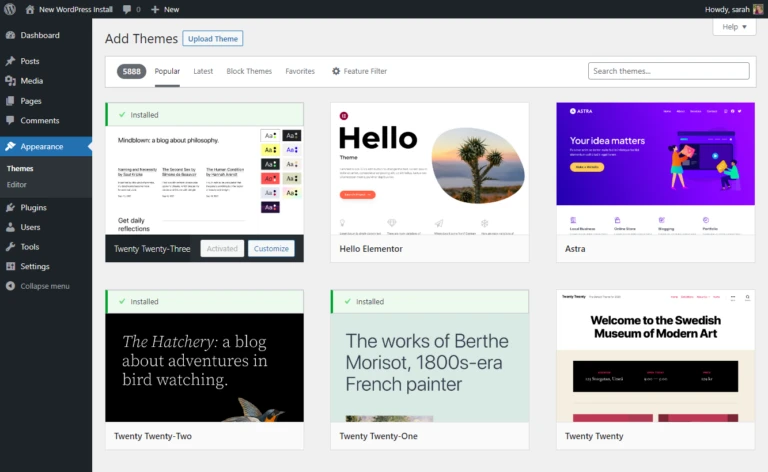
- Доля рынка: доминирует, занимая более 40 % рынка CMS.
- Простота использования: известен своим удобным интерфейсом и обширной экосистемой плагинов.
- Гибкость: предлагает универсальность для различных типов сайтов, от блогов до магазинов электронной коммерции.
- Персонализация: предоставляет широкий выбор тем и плагинов для настройки.
- Поддержка сообщества: большое сообщество разработчиков и пользователей для получения помощи и ресурсов.
Drupal
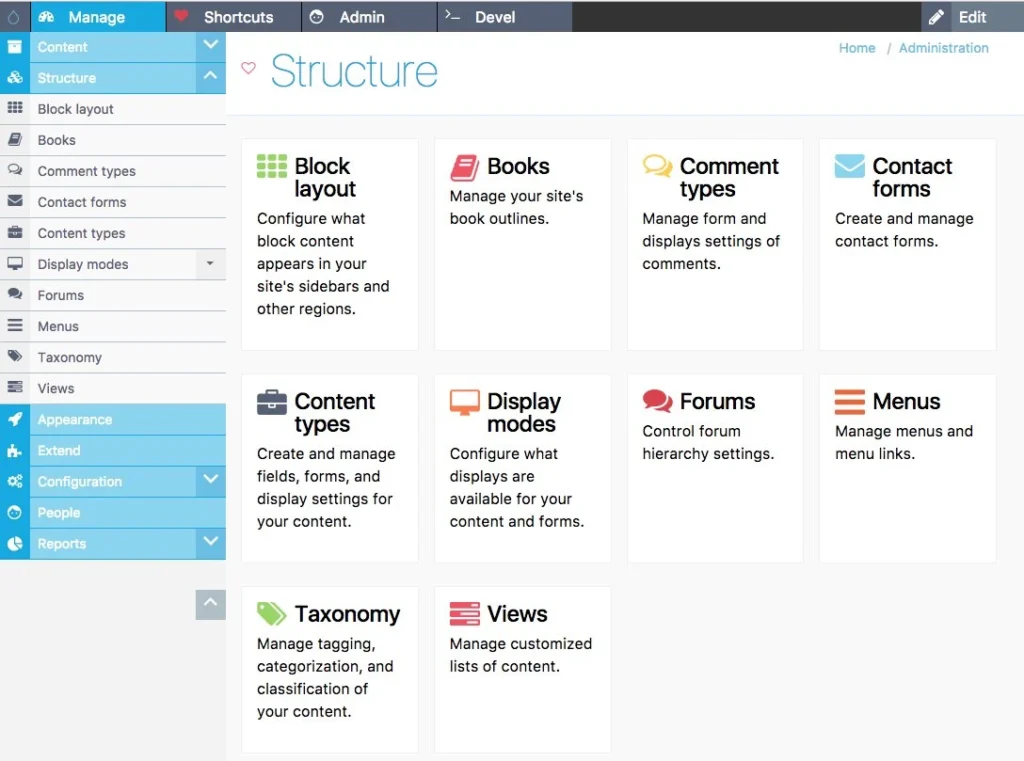
- Масштабируемость: идеально подходит для крупных, сложных веб-сайтов с большими потребностями в управлении контентом.
- Персонализация: высокая настраиваемость и широкая гибкость для разработчиков.
- Безопасность: Известен своими сильными функциями безопасности и регулярными обновлениями.
- Кривая обучения: более сложная кривая обучения по сравнению с WordPress, но предлагает расширенную функциональность.
- Поддержка корпоративного уровня: подходит для проектов корпоративного уровня благодаря специализированной поддержке.
Joomla
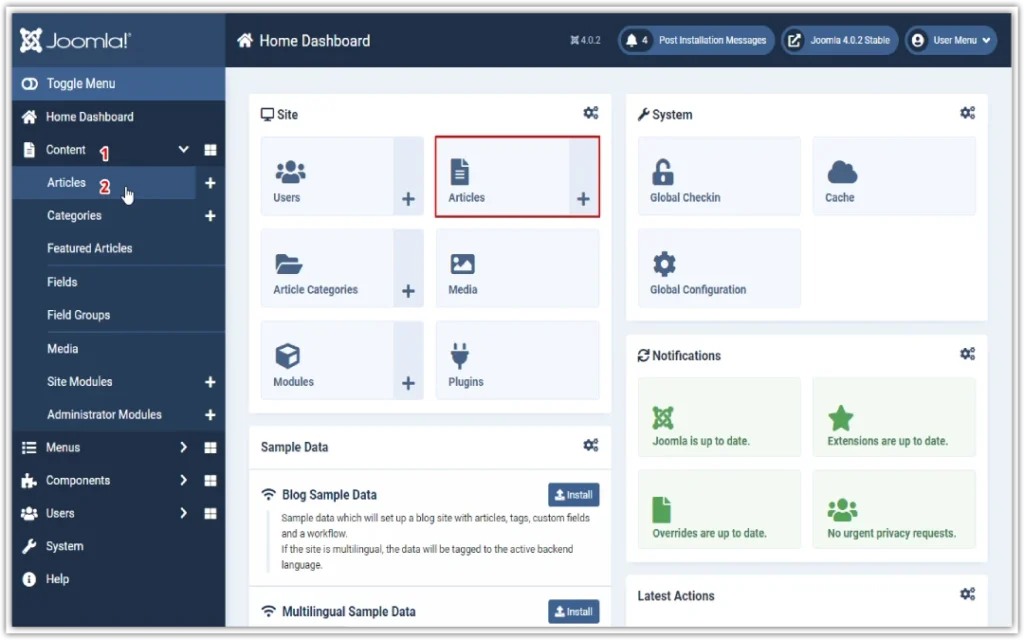
- Удобство для пользователя: предлагает баланс между простотой использования и возможностями настройки.
- Управление контентом: обеспечивает надежные функции управления контентом со встроенными возможностями SEO.
- Сообщество: активное сообщество разработчиков и пользователей для получения поддержки и ресурсов.
- Экосистема расширений: предлагает множество расширений и шаблонов для дополнительной функциональности и вариантов дизайна.
- Подходит для сайтов среднего размера: часто выбирается для сайтов среднего бизнеса и онлайн-изданий.
Magento (для электронной коммерции)
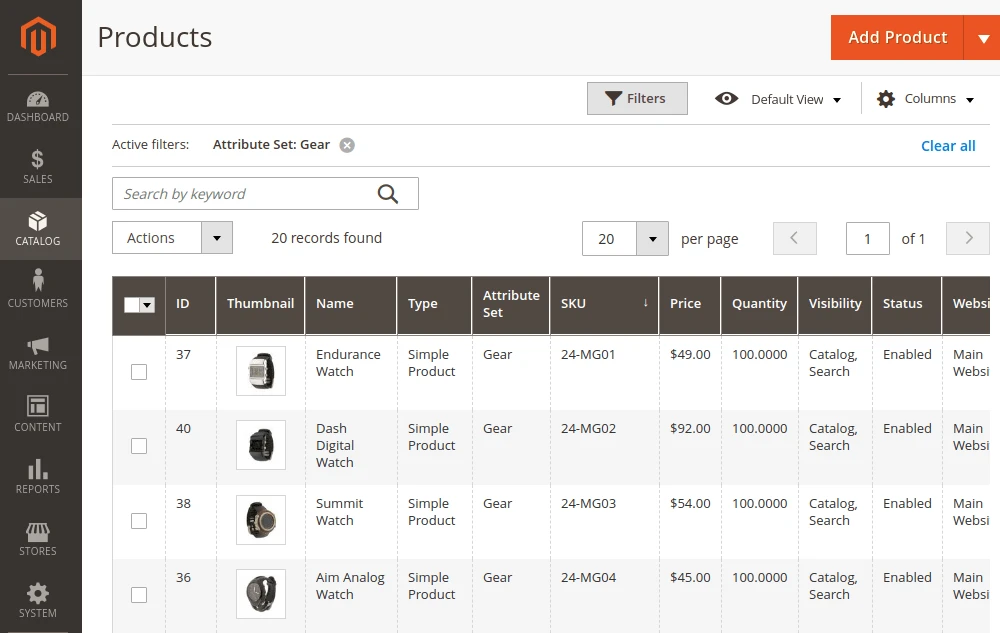
- Специализирован для электронной коммерции: специально разработан для создания интернет-магазинов с широкими возможностями.
- Масштабируемость: подходит для бизнеса любого размера, от стартапов до крупных предприятий.
- Персонализация: высокая степень настройки с широкими возможностями для управления товарами, оформления заказа и доставки.
- Производительность: оптимизирован для высокой производительности и масштабируемости, справляется с большими каталогами товаров и скачками трафика.
- Кривая обучения: требует обучения, но предлагает обширную документацию и ресурсы поддержки.
Wix
- Удобство использования: интуитивно понятный интерфейс, идеально подходящий для новичков и малого бизнеса.
- Возможности дизайна: предлагает широкий выбор профессионально разработанных шаблонов для настройки.
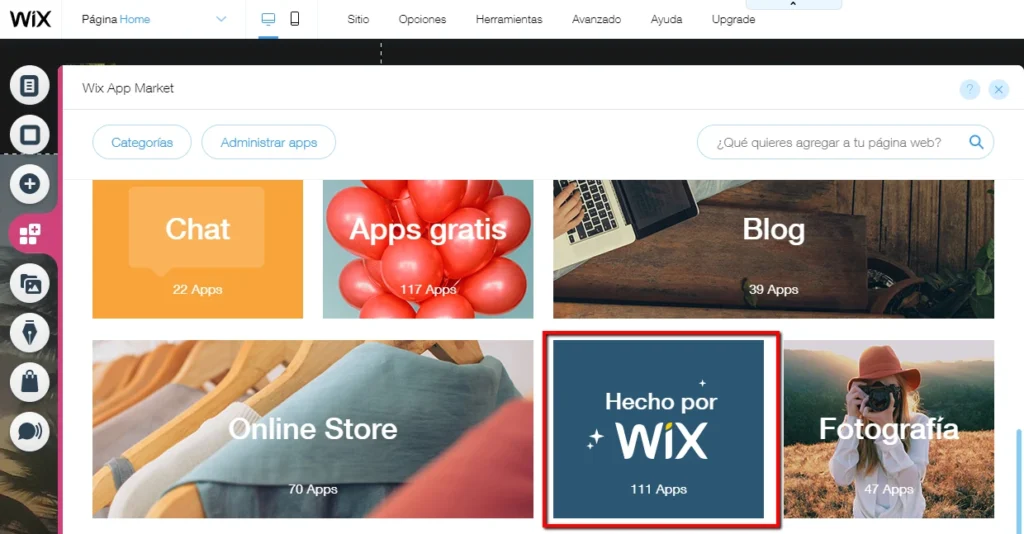
- App Market: предоставляет множество приложений для расширения функциональности, включая инструменты электронной коммерции и маркетинга.
Хостируемое решение: полностью размещенная платформа со встроенной системой безопасности и обслуживания. - Ограниченная гибкость: менее настраиваемая по сравнению с платформами CMS с открытым исходным кодом, но подходит для простых веб-сайтов.
При сравнении платформ CMS важно учитывать такие факторы, как простота использования, возможности настройки, масштабируемость, безопасность и ресурсы поддержки. Оценив эти аспекты с учетом требований и целей вашего проекта, вы сможете принять обоснованное решение, соответствующее вашим конкретным потребностям и целям.
Независимо от того, создаете ли вы личный блог, магазин электронной коммерции или корпоративный сайт, найдется платформа CMS, соответствующая вашим уникальным требованиям и предпочтениям.