Если вы не можете подключиться к Интернету, возможно, ваш Интернет-протокол или TCP/IP поврежден, и вам может потребоваться сброс TCP/IP. TCP/IP является одним из основных компонентов, необходимых вашему компьютеру Windows для успешного подключения к Интернету. В такой ситуации, даже если вы физически подключены к Интернету, пакеты не передаются по сети, и вы можете увидеть сообщение « Страница не может быть отображена » при попытке подключиться к URL. Читать
Архив автора: admin
🖧 Изучение сетевых технологий Windows – команды для исследования и устранения неполадок подключения
Понимание основ сетевых технологий Windows крайне важно для любого ИТ-специалиста.
При возникновении проблем вам понадобятся правильные инструменты для исследования и устранения проблем с подключением.
В этой статье мы рассмотрим основные команды и утилиты Windows для устранения неполадок в сетевых конфигурациях.
Независимо от того, являетесь ли вы новичком в сетевых технологиях или опытным администратором, изучающим основы, вы узнаете практические методы диагностики сетевых проблем в Windows. Читать
Что можно делать с Python?
У вас получилось: вы закончили курсы, или дочитали книгу, которая дает вам базу для программирования в Python. Вы освоили списки, словари, классы, может даже некоторые объектно-ориентированные концепции. Читать
☁️ Генерация безопасных пользовательских паролей с помощью Terraform
В сфере облачной инфраструктуры безопасность имеет первостепенное значение.
Создание надежных и безопасных пользовательских паролей при инициализации виртуальных машин (ВМ) является основополагающим шагом в защите ваших активов.
В этой статье мы расскажем вам о процессе создания надежных пользовательских паролей для виртуальных машин с помощью Terraform, что обеспечит устойчивость ваших виртуальных сред к несанкционированному доступу. Читать
Как настроить клиент WireGuard VPN с графическим интерфейсом NetworkManager
WireGuard — это реализация протокола VPN с открытым исходным кодом, которая быстро набирает популярность среди пользователей VPN благодаря своей скорости, простоте использования и хорошо продуманной кодовой базе. Модуль ядра WireGuard поставляется с основным ядром Linux 5.6 или более поздней версии, а его пользовательские инструменты уже включены в базовые репозитории всех современных дистрибутивов Linux. Если вы хотите настроить DIY VPN-маршрутизатор на общедоступном VPS под вашим контролем, на самом деле нет причин не попробовать WireGuard. Читать
Большое обновление Windows 11 KB5062553 24H2 включает в себя пять новых функций
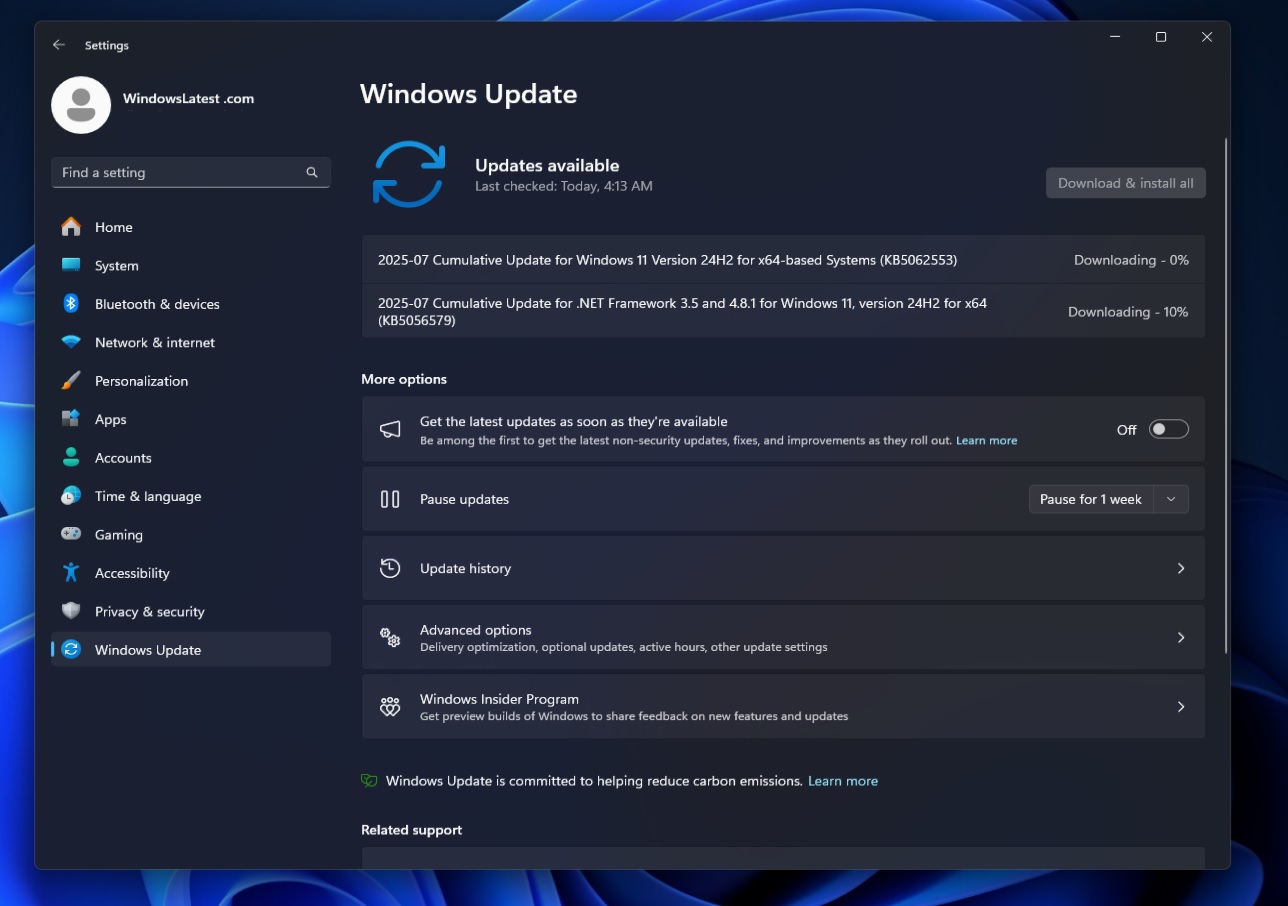
Обновление KB5062553 для Windows 11 уже доступно для 24H2 и включает в себя целых пять новых функций, включая уменьшенные значки на панели задач. Июльское обновление 2025 года распространяется через Центр обновления Windows, но Microsoft также опубликовала прямые ссылки для скачивания автономных установщиков KB5062553 (.msu). Подробнее об этом позже. Читать